





-
 環保設備企業類網站pb...
-
 數字展廳展館類網站pb...
-
 工商注冊財務公司代理記...
-
 站長資訊類網站pbootcms模...
-
 刑事辯護法律資訊類網站...
-
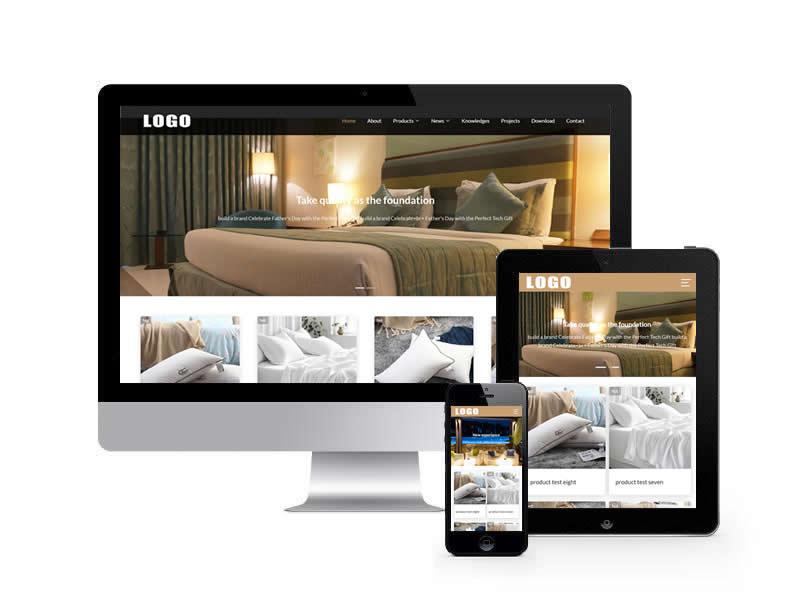 客房酒店英文外貿類網站...
-
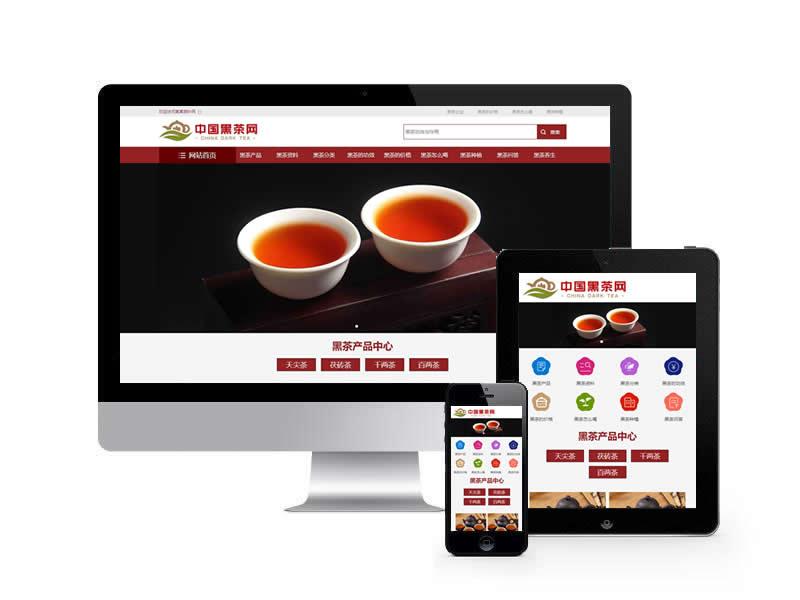 茶葉資訊類網站pbootcms模...
-
 自考考試遠程教育機類網...
-
 戶外露營設備類網站pb...
-
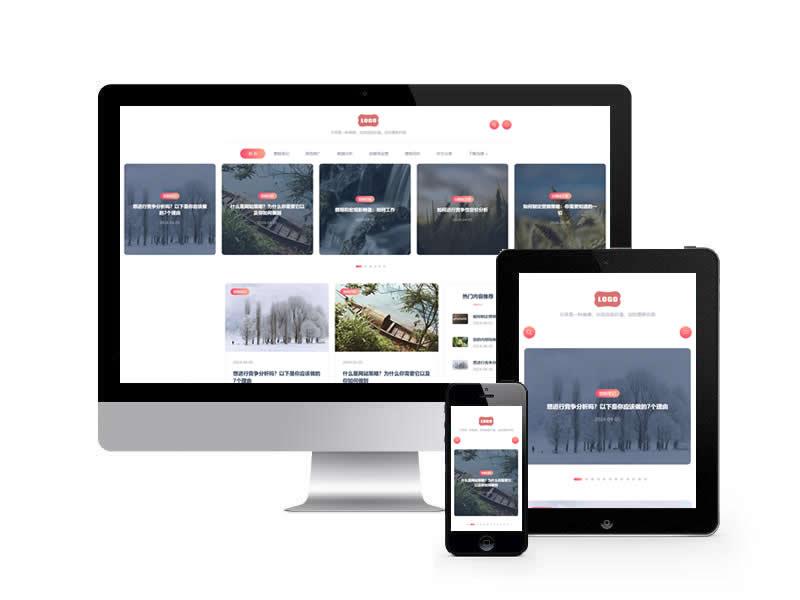 站長博客類網站pbootcms模...
-
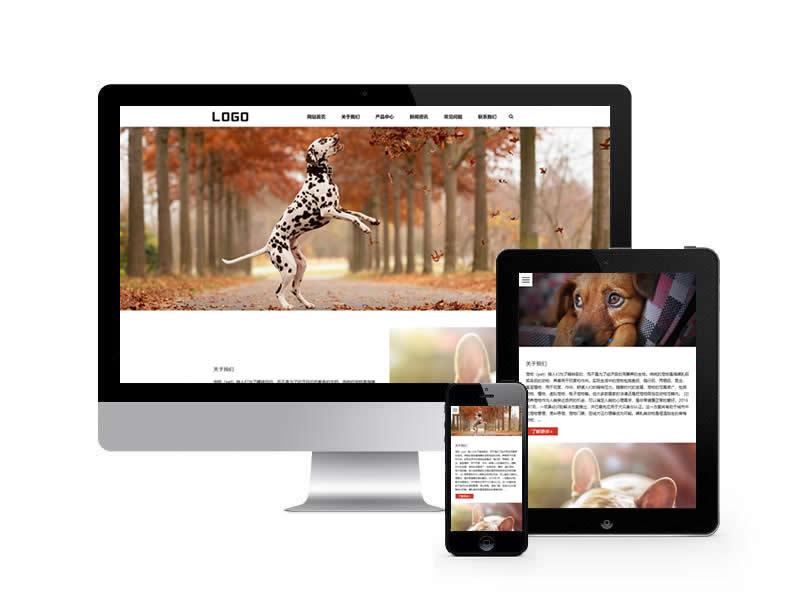 貓糧狗糧類網站pbootcms模...
-
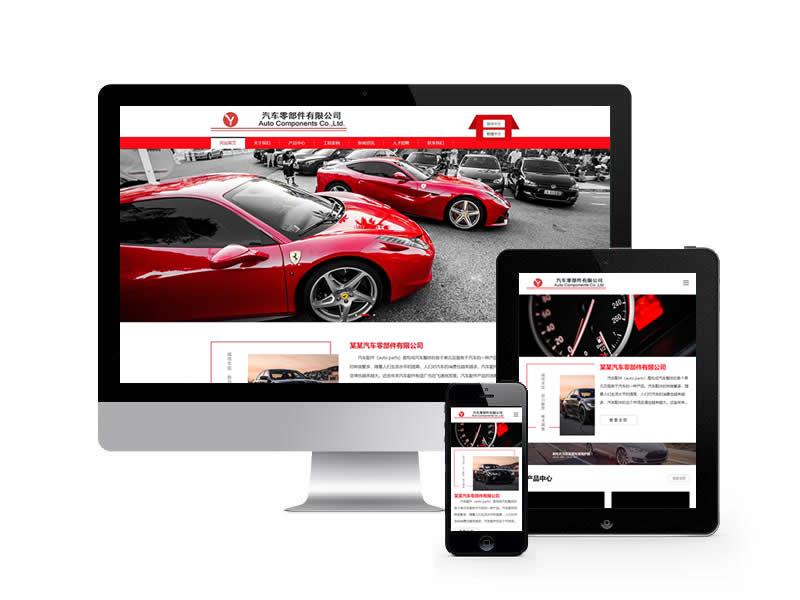 汽車零件配件類網站pb...
-
 電子元件類網站pbootcms模...
-
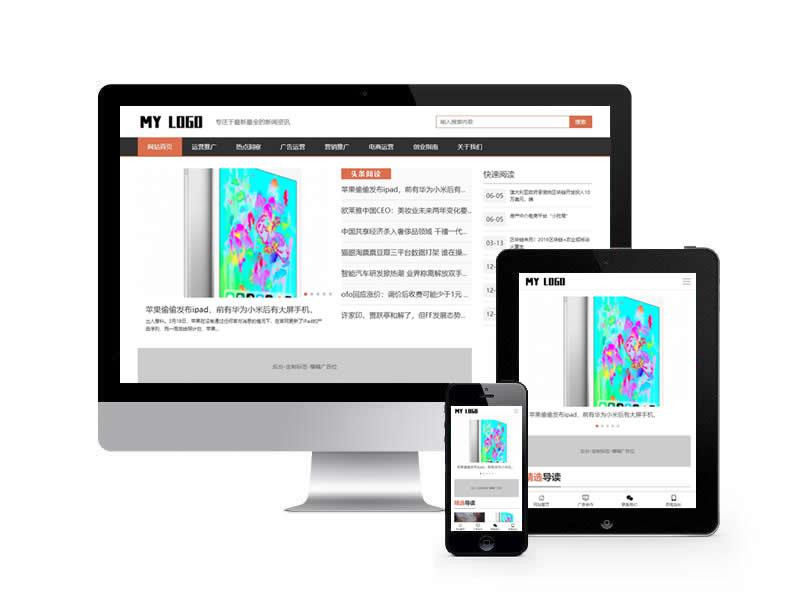 新聞資訊博客通用類網站...
-
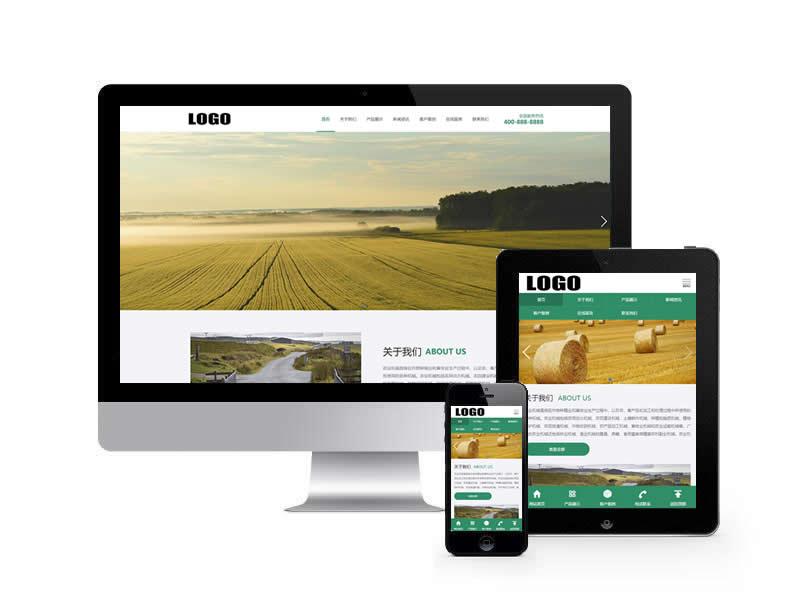 農機設備類網站pbootcms模...
-
 智能安防監控類網站pb...
-
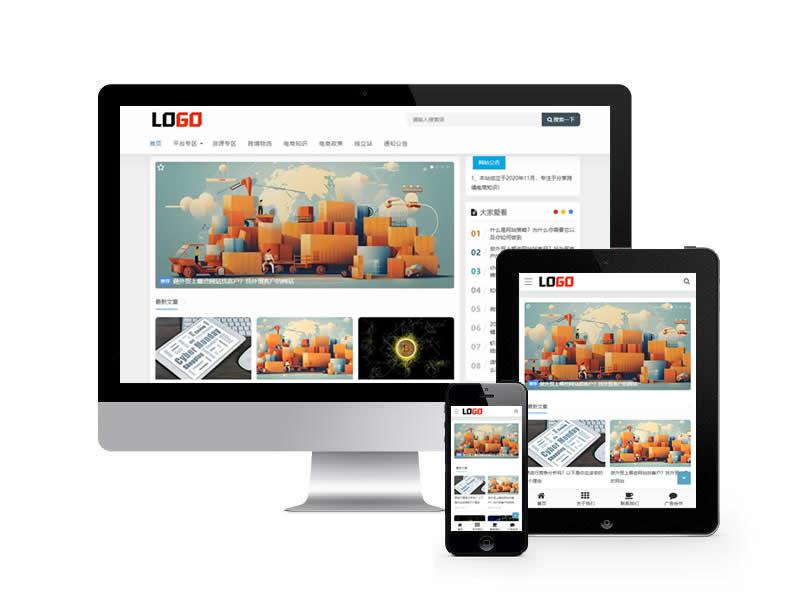 跨境電商新聞博客類網站...
-
 風景攝影類網站pbootcms模...
-
 高端建站類網站pbootcms模...
-
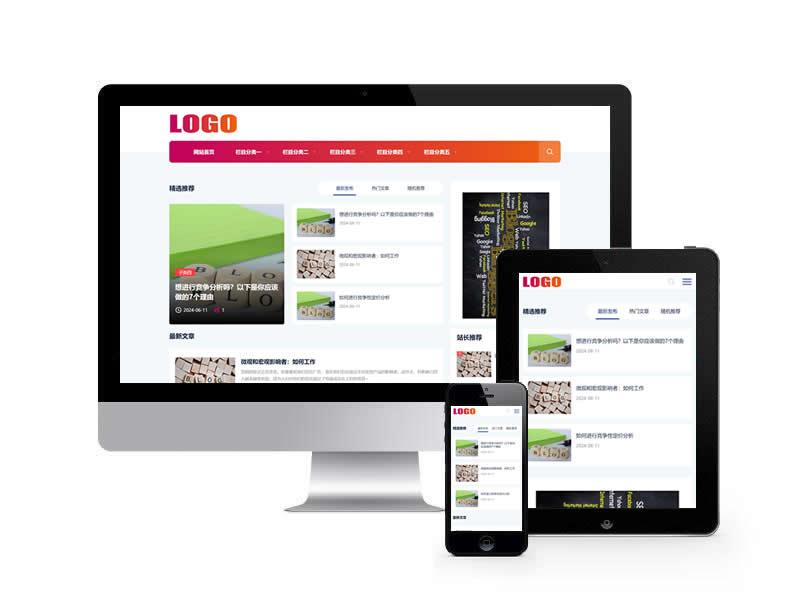 新聞資訊類網站pbootcms模...
1. 使用路由導航(Vue Router)進行頁面跳轉:
// 在路由配置文件中定義路由
import { createRouter, createWebHistory } from 'vue-router';
const routes = [
{ path: '/', component: Home },
{ path: '/about', component: About },
// ...
];
const router = createRouter({
history: createWebHistory(),
routes,
});
// 在組件中使用路由導航
<template>
<button @click="goToAbout">Go to About</button>
</template>
2. 使用`<router-link>`組件進行頁面跳轉:<script>
import { useRouter } from 'vue-router';
export default {
methods: {
goToAbout() {
const router = useRouter();
router.push('/about');
},
},
};
</script>
3. 使用`window.location`進行頁面跳轉:<template>
<router-link to="/about">Go to About</router-link>
</template>
4. 使用`<a>`標簽進行頁面跳轉:<template>
<button @click="goToAbout">Go to About</button>
</template>
<script>
export default {
methods: {
goToAbout() {
window.location.href = '/about';
},
},
};
</script>
這些是一些常見的頁面跳轉方式,你可以根據具體的需求選擇適合的方式來實現頁面跳轉。<template>
<a href="/about">Go to About</a>
</template>